Acme Accounts
Centralized identity provider for all Acme apps
Step 3: User Authentication
Description
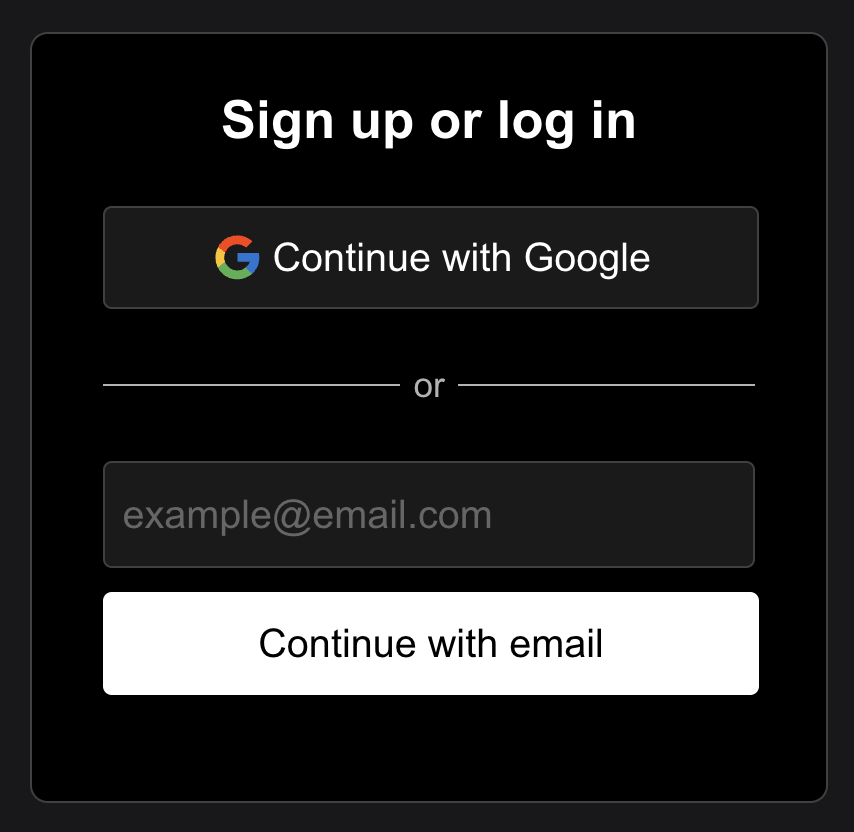
The user is prompted to log in since they don't already have an active session. This will be a Stytch powered login page. The centralized login flow can support any Stytch Login Method (Email Magic Links, SSO, Passwords, etc...).
URL
accounts.acme.com/login
Visual Preview
Acme Accounts
Powered by Stytch
Example Code
// Load Stytch Prebuilt UI
import React from 'react';
import { StytchB2B } from '@stytch/react/b2b';

const Login = () => {
  const config = ... //Stytch UI Config, styling

  return (
    <div>
      <StytchB2B
        config={config}
        styles={style}
      />
    </div>
  );
};

export default Login;
Note
During the authentication process, be sure to retain the query parameters from the previous page. After authentication is successful, redirect the user back to /idp with the same query parameters attached.